

Bulk importing a shot list
For longer shot lists, entering shots one at a time isn’t practical. Bulk import lets you bring in a full list at once, for any of an event’s shot lists (Formal Portraits, Photo List, or Video List).
Importing a list
Section titled “Importing a list”- Expand the relevant list (Formal Portraits, Photo List, or Video List) on the event page
- Select Bulk
- Paste your list, one shot per line
- Select Add [count] Shots
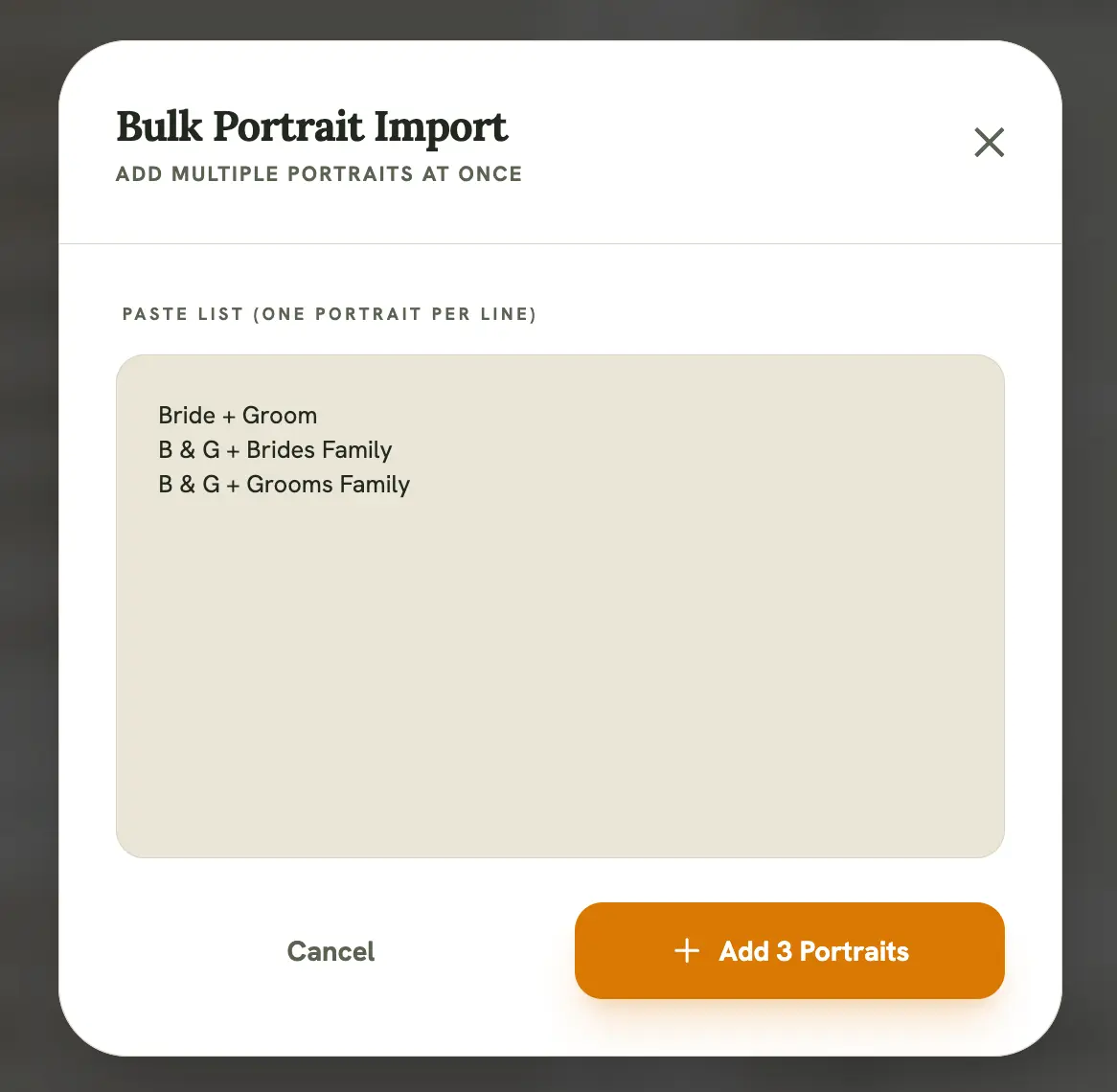
- Keep each shot on its own line, since that’s what determines where one entry ends and the next begins
- Blank lines are ignored, so you don’t need to clean up extra spacing before pasting
- Bulk import adds to the existing list rather than replacing it, so it’s safe to run more than once
Importing a timeline instead
Section titled “Importing a timeline instead”Bulk import for the day’s schedule works differently. See Event timelines for pasting a runsheet or importing from a public Google Doc.