

Packing & returning gear
Each checklist has two phases: Pre-Event and Post-Event. Use the toggle at the top of the list to switch between them; the same list covers a job from start to finish.
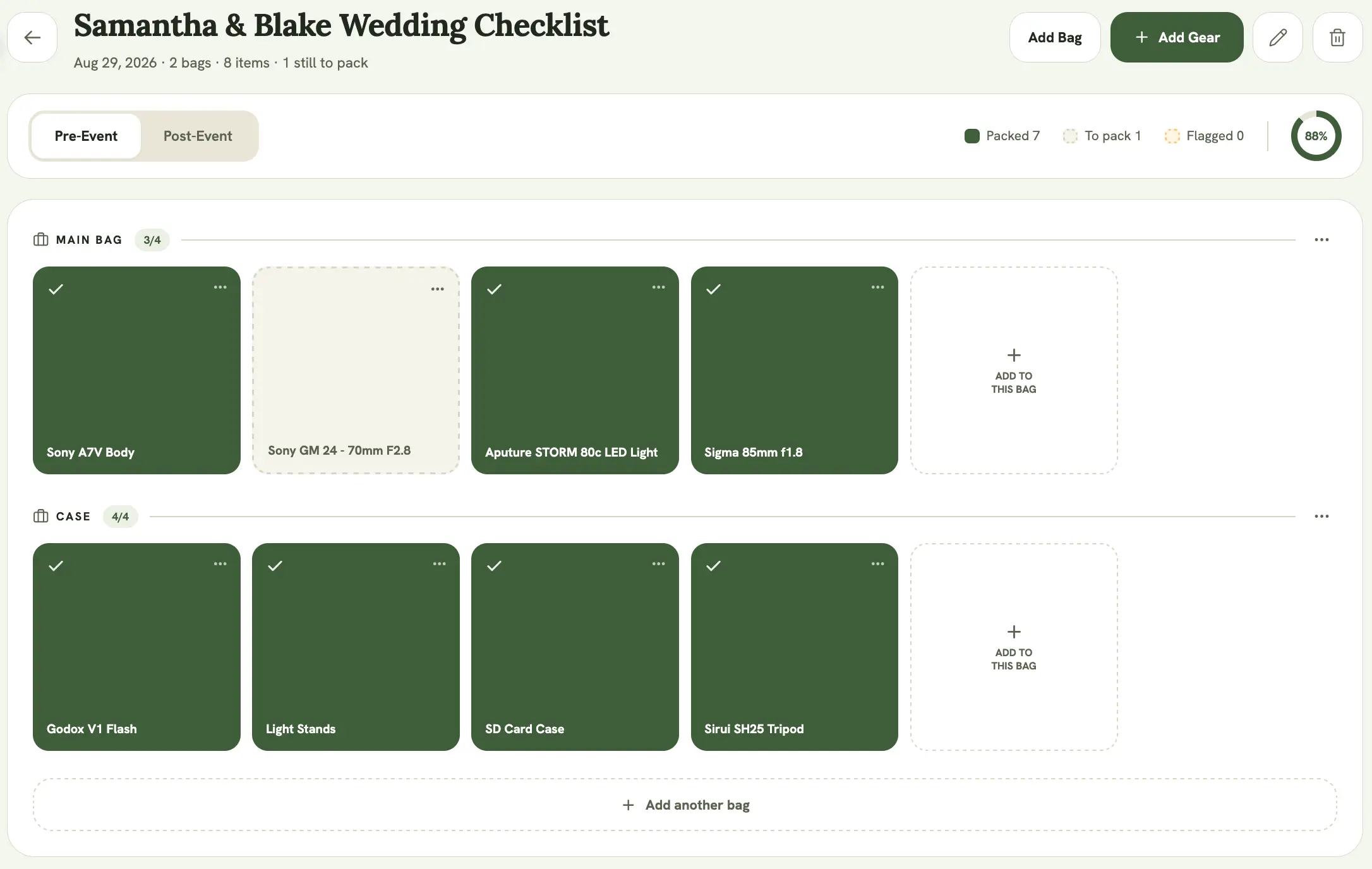
Organising gear into bags
Section titled “Organising gear into bags”Gear on a checklist can be grouped into bags so the list matches how you actually pack. Select Add another bag to create one, then move items into it. Anything not assigned to a bag sits in its own section.
Packing
Section titled “Packing”On the Pre-Event phase, check off each item as you confirm it’s packed. The legend shows how many are Packed, still To pack, and Flagged (items whose gear is marked as needing attention), and the progress ring tracks the percentage done.
Returning
Section titled “Returning”Switch to the Post-Event phase as gear comes back. An item only becomes checkable here once it’s been marked packed, which keeps the return list honest to what actually went out. The legend switches to Returned and Still out.
When everything’s done
Section titled “When everything’s done”An item counts as fully done once it’s both packed and returned. Once every item on the list is packed and returned, the checklist shows an All Gear Returned banner.
Unreturned gear and the dashboard
Section titled “Unreturned gear and the dashboard”If an event’s date has passed and a checklist still has items marked packed but not returned, those items surface as a “Not returned” alert on your dashboard. See Locker stats for how that’s combined with other gear alerts.