

Inspiration board
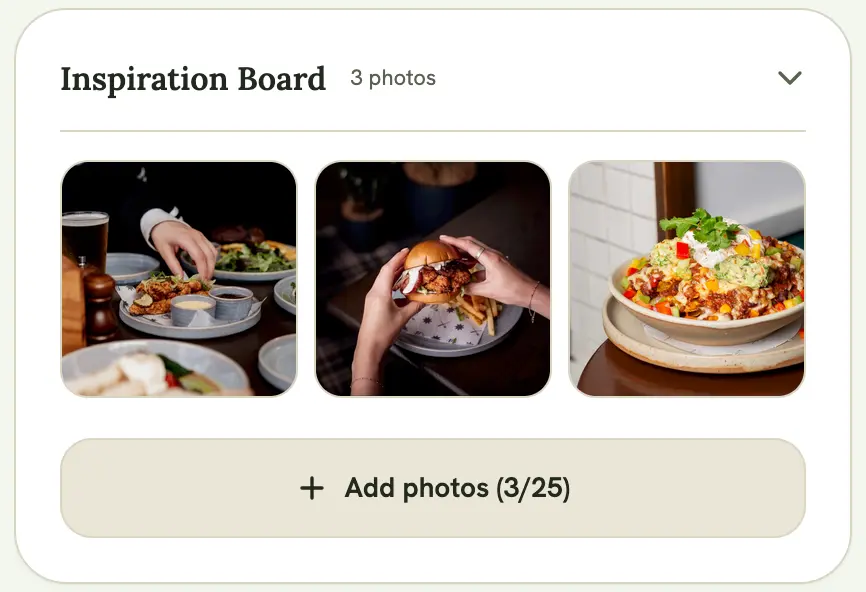
Drop reference photos from the couple or client onto an event’s Inspiration Board so everyone on the shoot is working from the same visual direction. This is separate from your personal Pose & Prompt Library, which isn’t tied to any one event.
Uploading photos
Section titled “Uploading photos”Open the event and expand the Inspiration Board section, then select Upload Inspo to add one or more images. Photos are automatically compressed before upload, and the board holds up to 25 photos per event. Files over 3MB are skipped with a warning rather than failing the whole upload.
Viewing and removing photos
Section titled “Viewing and removing photos”Select any photo in the board to view it full-size. Hover a photo (or tap it on mobile) to reveal a delete button if you need to remove it.
Pinterest boards
Section titled “Pinterest boards”If the event has a Pinterest board URL set (from the event’s edit screen), a Vision Board card appears above the Inspiration Board with a direct link to open it.
Who can see it
Section titled “Who can see it”Anyone with access to the event, owner or collaborator, can view and upload to the Inspiration Board. It isn’t included on the event’s public link; it’s for the working team, not clients viewing the public schedule.